
Touch monitors simplify the interaction between man and machine. The elimination of keyboard and mouse makes touchscreens popular wherever information can be clearly displayed on the monitor and the same monitor enables user-friendly operation.
Human Machine Interfaces
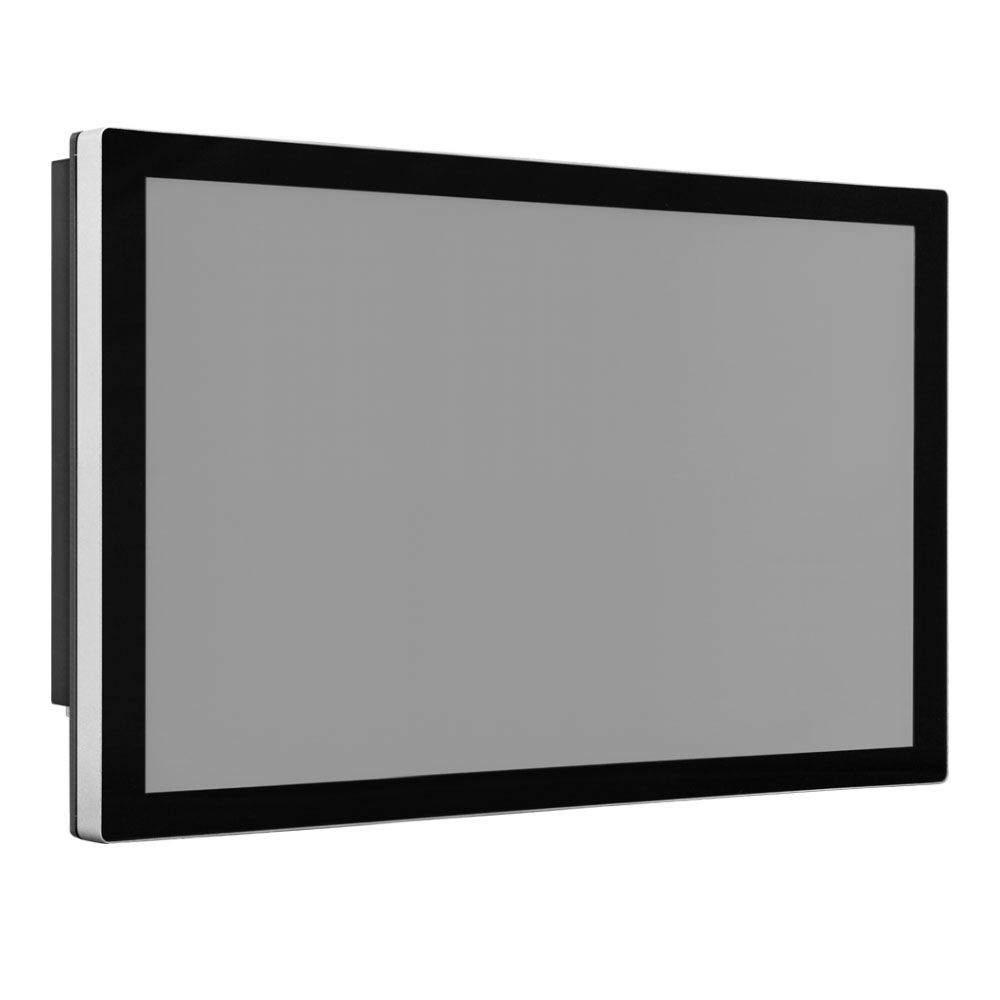
Defense

Over time, several touchscreen technologies have been developed. In recent years, capacitive touchscreens have become increasingly dominant. We all interact with this technology daily: when using our smartphones. In commercial and industrial applications as well, capacitive touchscreens are displacing resistive ones to just a few niche areas. That is why we only offer capacitive touchscreens.
Selection Criteria
Professionally used touchscreens are expected to be robust, durable, long-lasting and highly reliable. Therefore, when selecting a touchscreen, consider:
- the appropriate IP protection rating against dust and moisture,
- the operating temperature range specifications, and
- the tolerance to shock and vibration.
Technical aspects:
- Screen size and resolution
- Mounting options (wall, stand, swing arm mounting)
- Response time
- Touch point accuracy
- Brightness and contrast ratio for readability in various environments
Certifications and standards:
- Industry standards (CE, FCC, RoHS, ...)
- Special certifications for industries such as food and beverage
- Medical specifications: including DICOM specification for grayscale behavior (contrast in black-and-white displays of medical imaging systems adapted to ambient light conditions).
Highlights
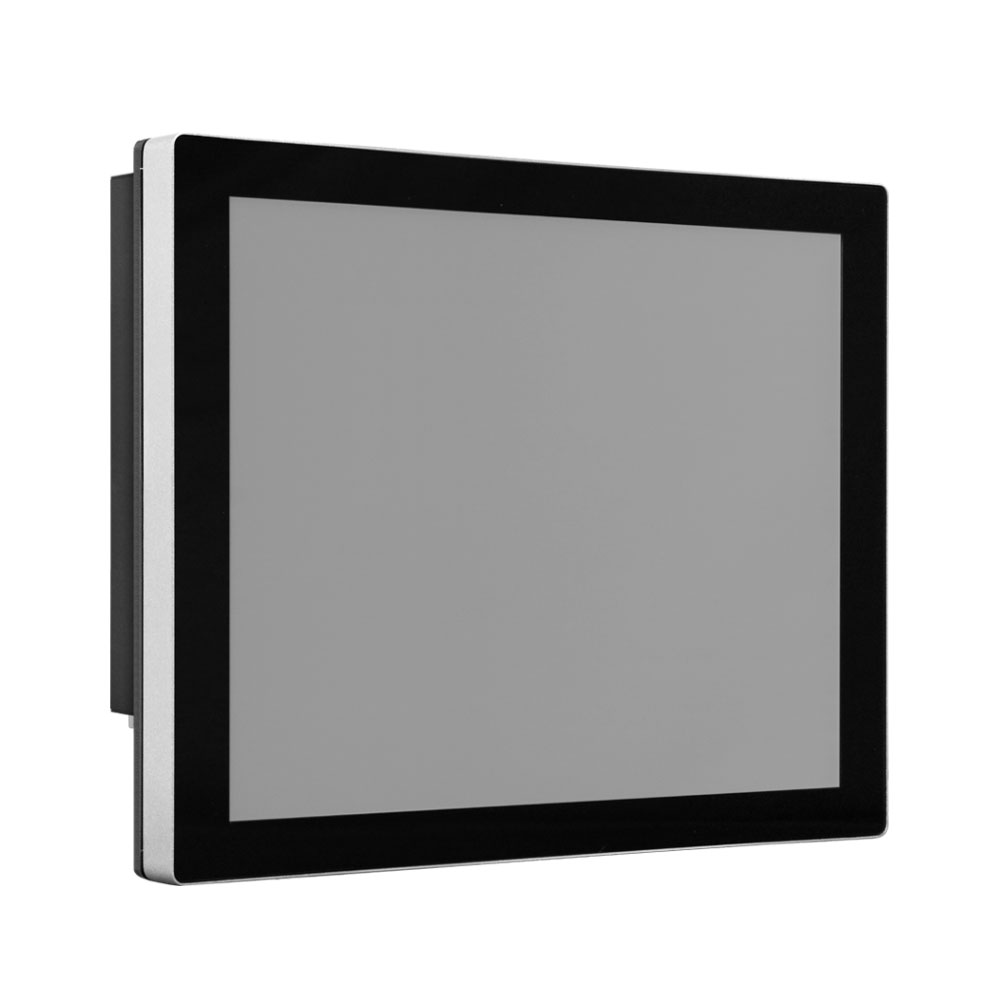

- 21.5 inch touch monitor especially for defense
- Robust capacitive LCD touchscreen
- 1920 x 1080p resolution
- Front protection class IP65
- Rackmount with special handles
- Screwable connections
- Temperature range from -40 ~ 70°C
- Certified according to MIL-STD-1275E, MIL-STD-461G and others
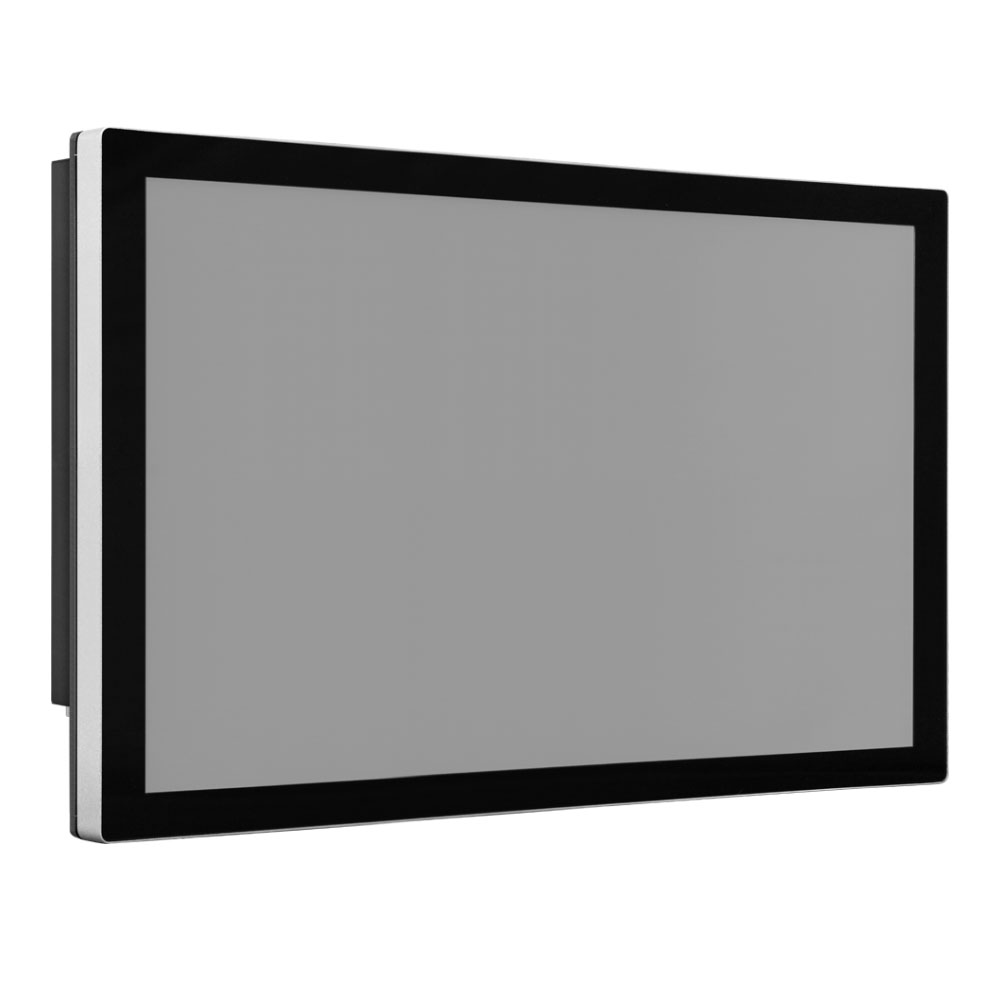
History and Technology
Optical Touchscreens
The first touchscreens worked with a light barrier grid of LED lights and infrared sensors arranged in columns and rows in front of the monitor. The user's fingertip interrupts the light beam and triggers a pulse in the corresponding row and column, from which the position of the fingertip is simply derived. This technology achieves a resolution of approximately 5 mm. This resolution is sufficient for selecting larger "buttons." Optical touchscreens are extremely robust, even against vandalism, which is why they are still sometimes used in ATMs and ticket machines today.Resistive touchscreens are pressure sensors. When touching the screen, two superimposed, voltage-carrying but invisible layers are brought into contact with each other. At the contact point, the electrical resistance collapses. The location of the contact point is determined using the "voltage divider rule" known from circuit electronics.
Although resistive touchscreens are quite robust and somewhat less expensive, their market share has declined significantly. The lower image quality, limited multi-touch operation, slower response and lower touch point accuracy may have contributed to resistive touchscreens being largely displaced by capacitive touchscreens.
Capacitive touchscreens have a transparent metal oxide layer. An AC voltage source is applied to its corners, and when touched, a tiny current flows away through the finger. In simplified terms, one can imagine that the draining current had been stored "capacitively" in a capacitor. The current intensity of the draining current depends on the distance of the touch point from the four corners of the screen. The location of the touched point is derived from the four current measurements.
Some advantages of capacitive touchscreens:
- Operation with bare fingers or conductive styluses
- Simultaneous touch detection (multi-touch), gesture recognition
- Virtually wear-free glass surface
- Very good image quality, high contrast
- High touch point accuracy
- Fast response
- Improved robustness against external influences such as dust, moisture and mechanical stress.
FAQ – Industrial Touch Monitors & Displays
Precise operation under the harshest conditions: Find answers about touch technologies, protection ratings and mounting options for our industrial display solutions.
What is the difference between PCAP and resistive touchscreens?
What does protection rating IP65 mean for a monitor?
Are the monitors designed for 24/7 continuous operation?
What mounting options are available for the touch monitors?
Are there monitors that are readable in direct sunlight?
How are the monitors connected?
Related Product Categories
Matching products that pair perfectly with industrial touch monitors.